# Repo Stats
 English |
 中文
中文





Achieved on September 1st, 2025
#### Top Technologies
[](#)
[](#)
[](#)
[](#)
[](#)
[](#)
[](#)
[](#)
If you would like, you can support the project here!\
[](https://github.com/sponsors/LukeGus)
# Overview

Termix is an open-source, forever-free, self-hosted all-in-one server management platform. It provides a web-based
solution for managing your servers and infrastructure through a single, intuitive interface. Termix offers SSH terminal
access, SSH tunneling capabilities, and remote file management, with many more tools to come.
# Features
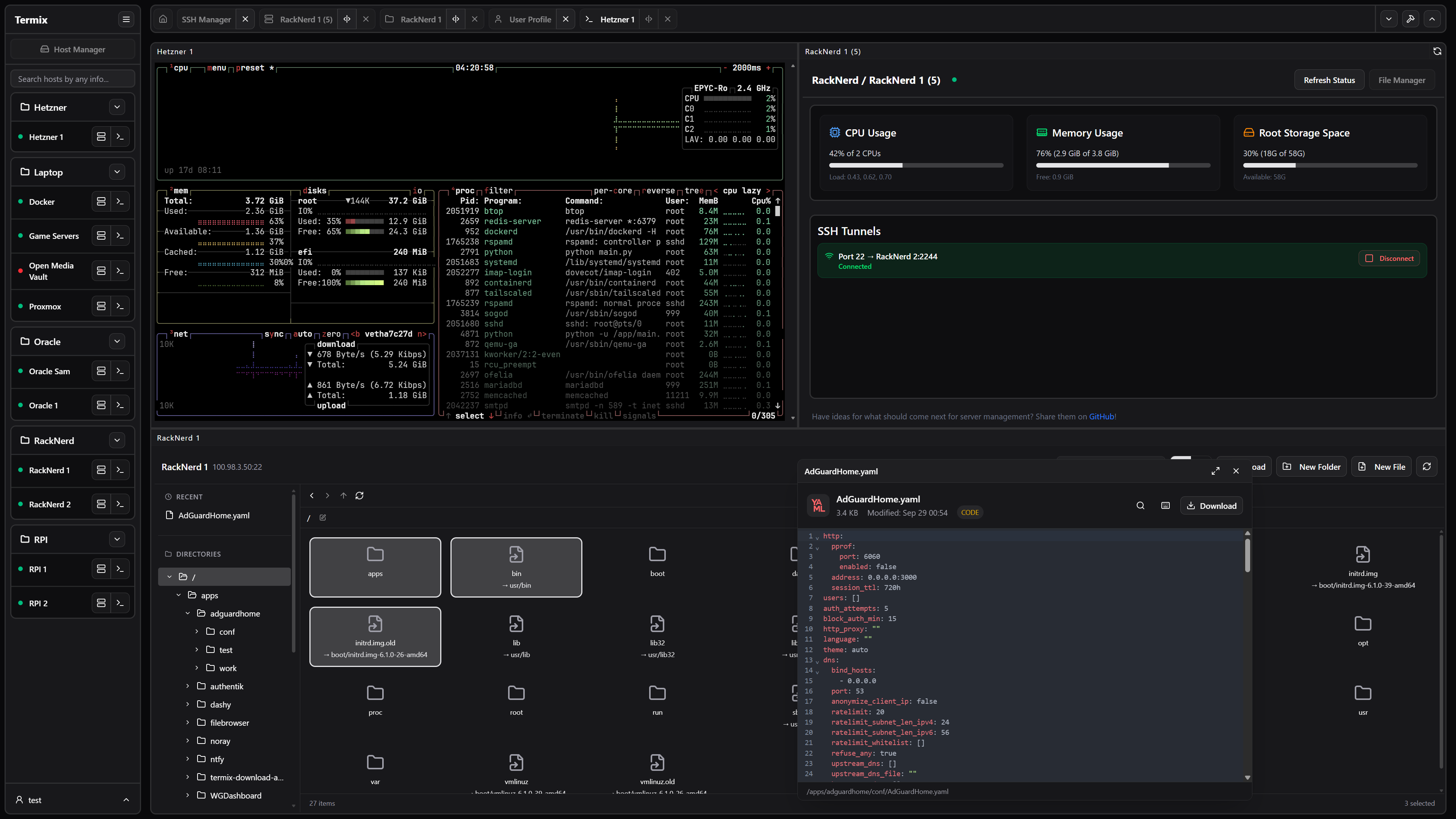
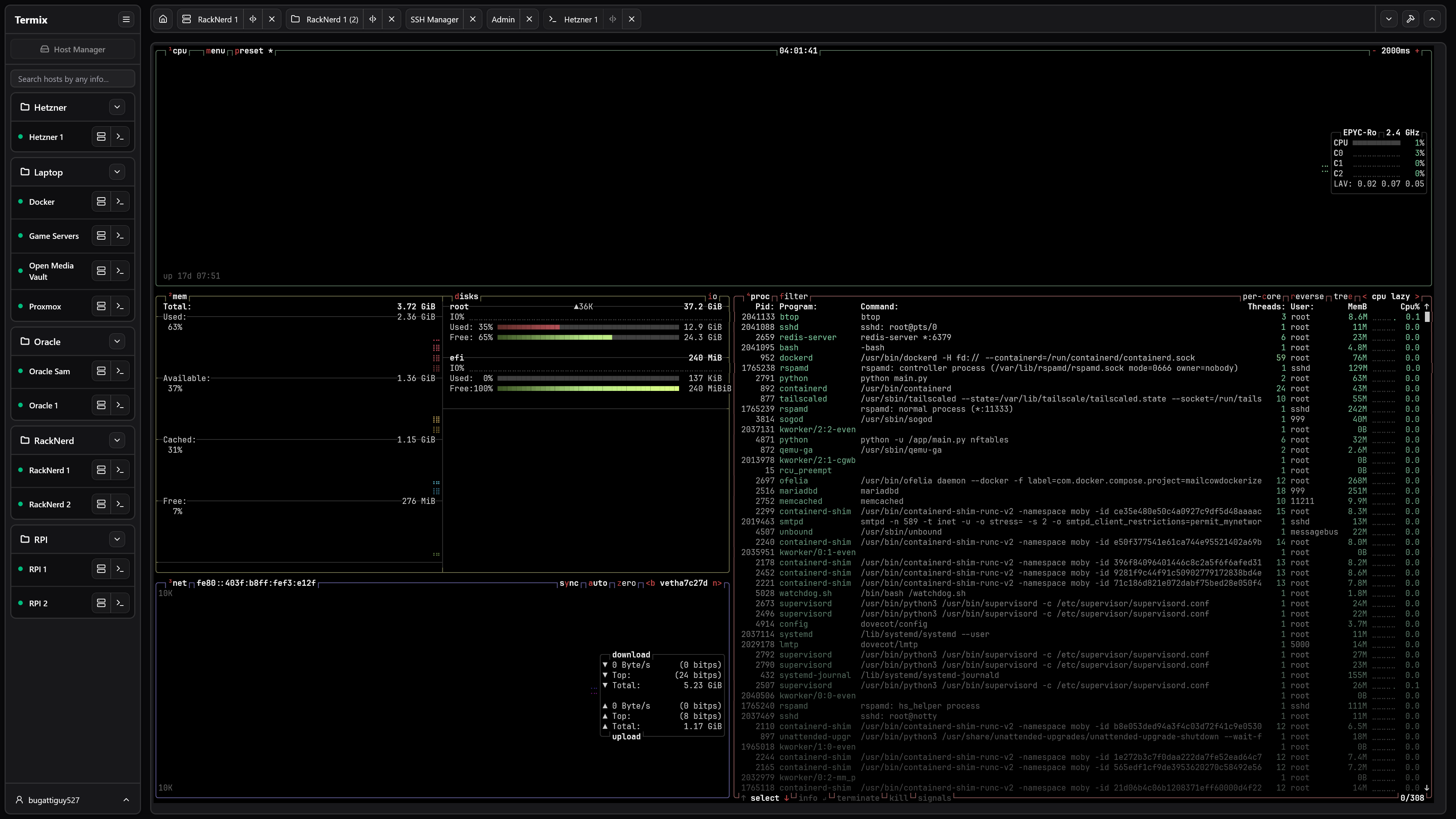
- **SSH Terminal Access** - Full-featured terminal with split-screen support (up to 4 panels) and tab system
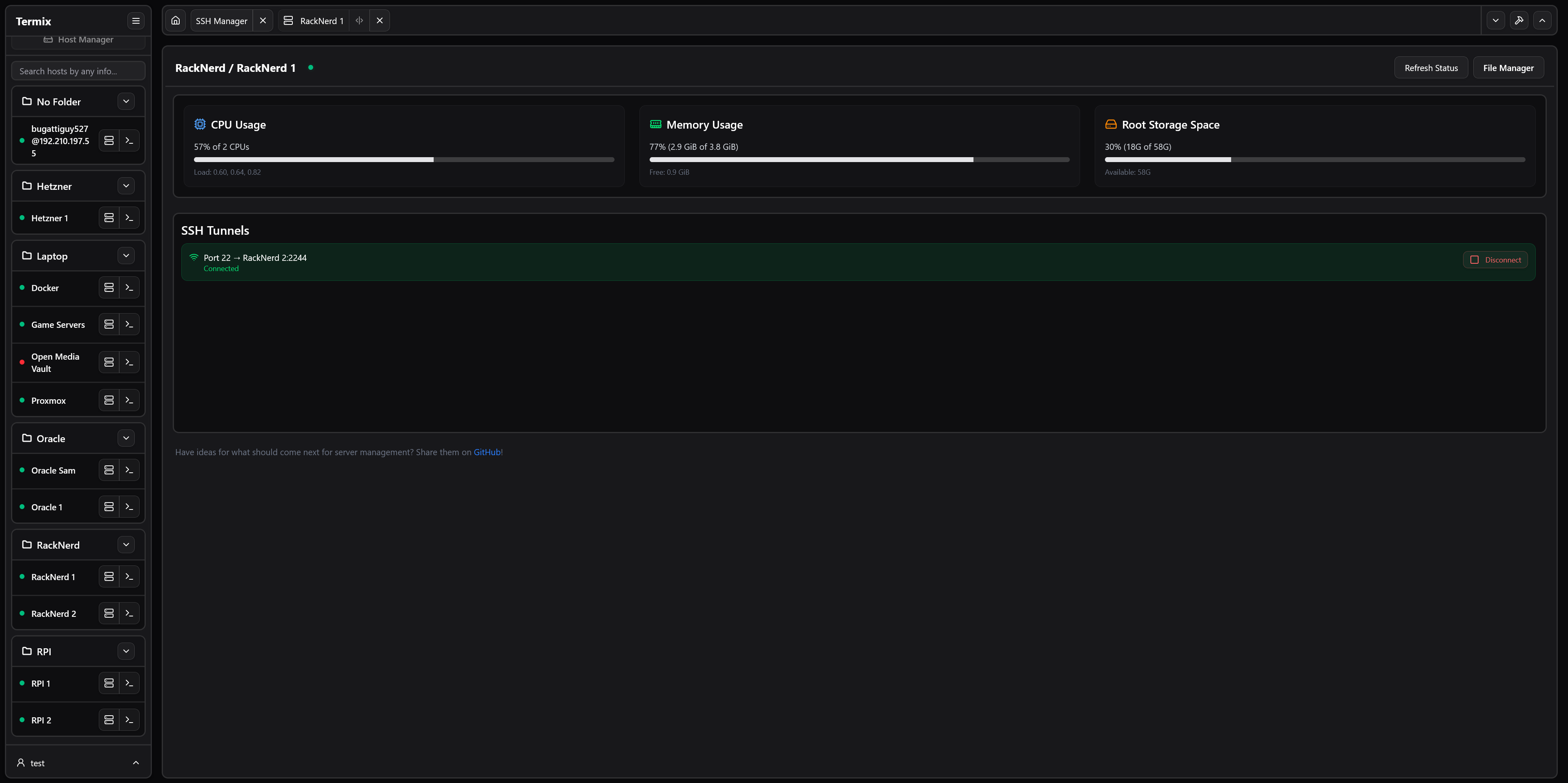
- **SSH Tunnel Management** - Create and manage SSH tunnels with automatic reconnection and health monitoring
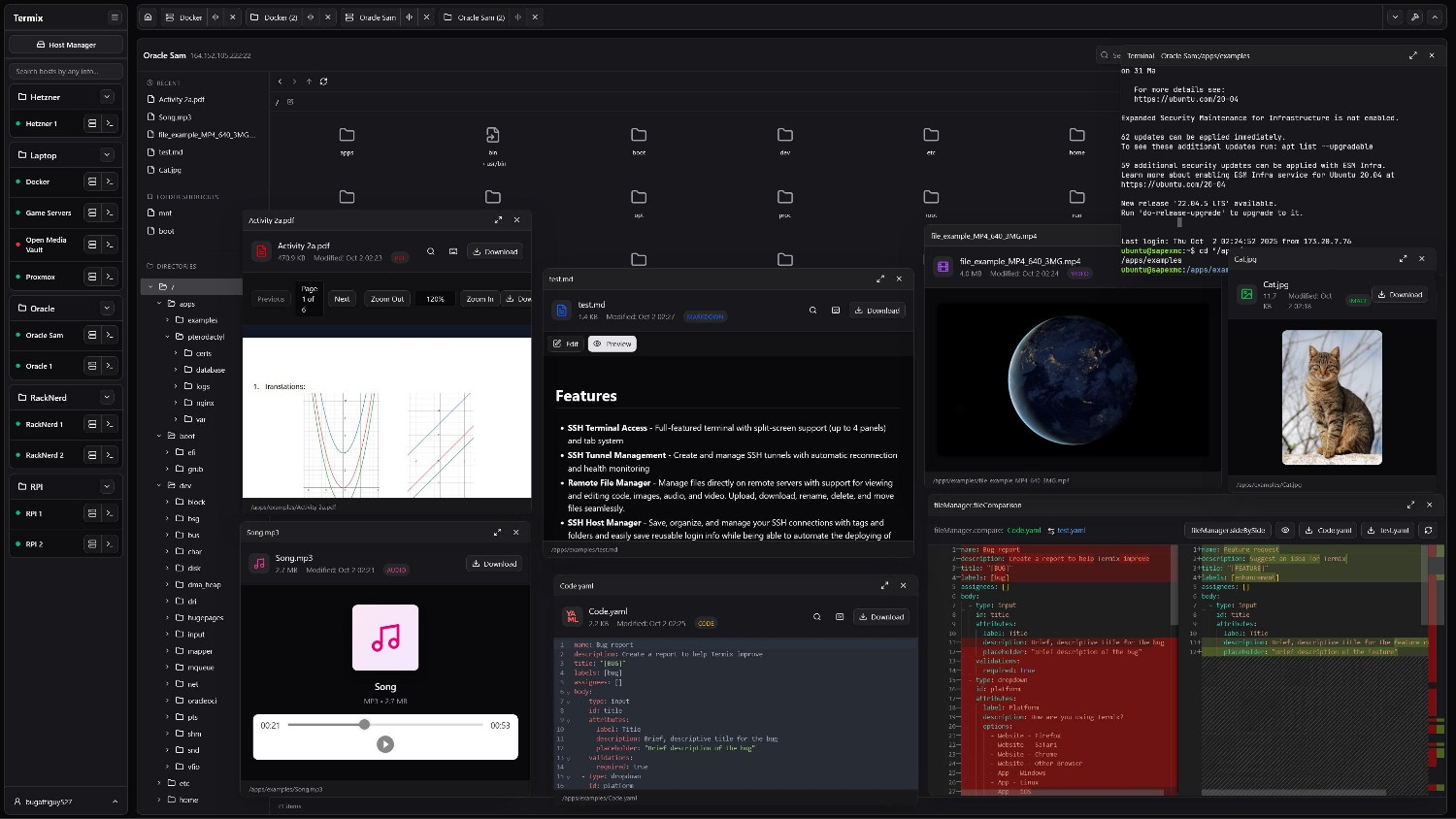
- **Remote File Manager** - Manage files directly on remote servers with support for viewing and editing code, images, audio, and video. Upload, download, rename, delete, and move files seamlessly.
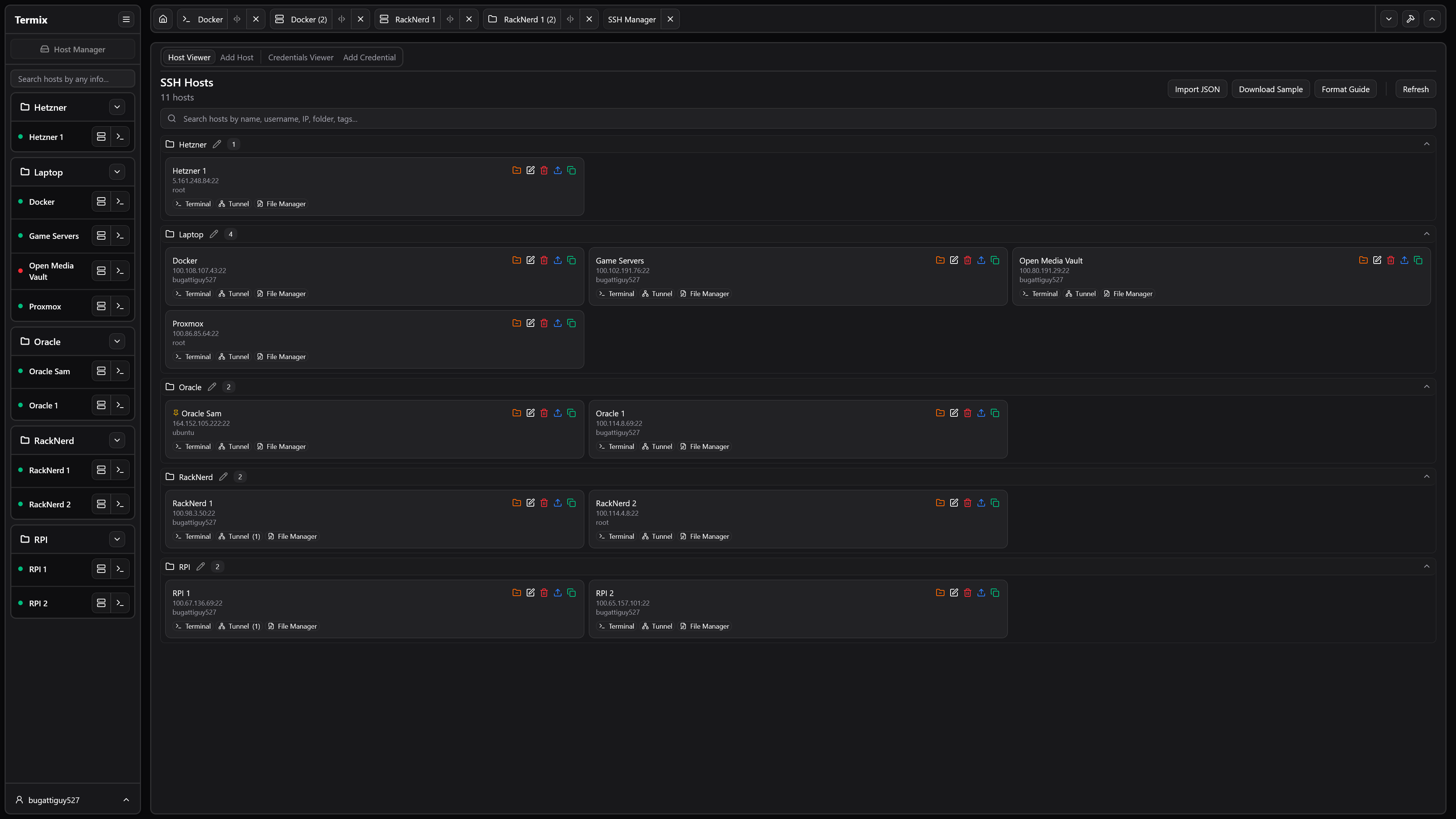
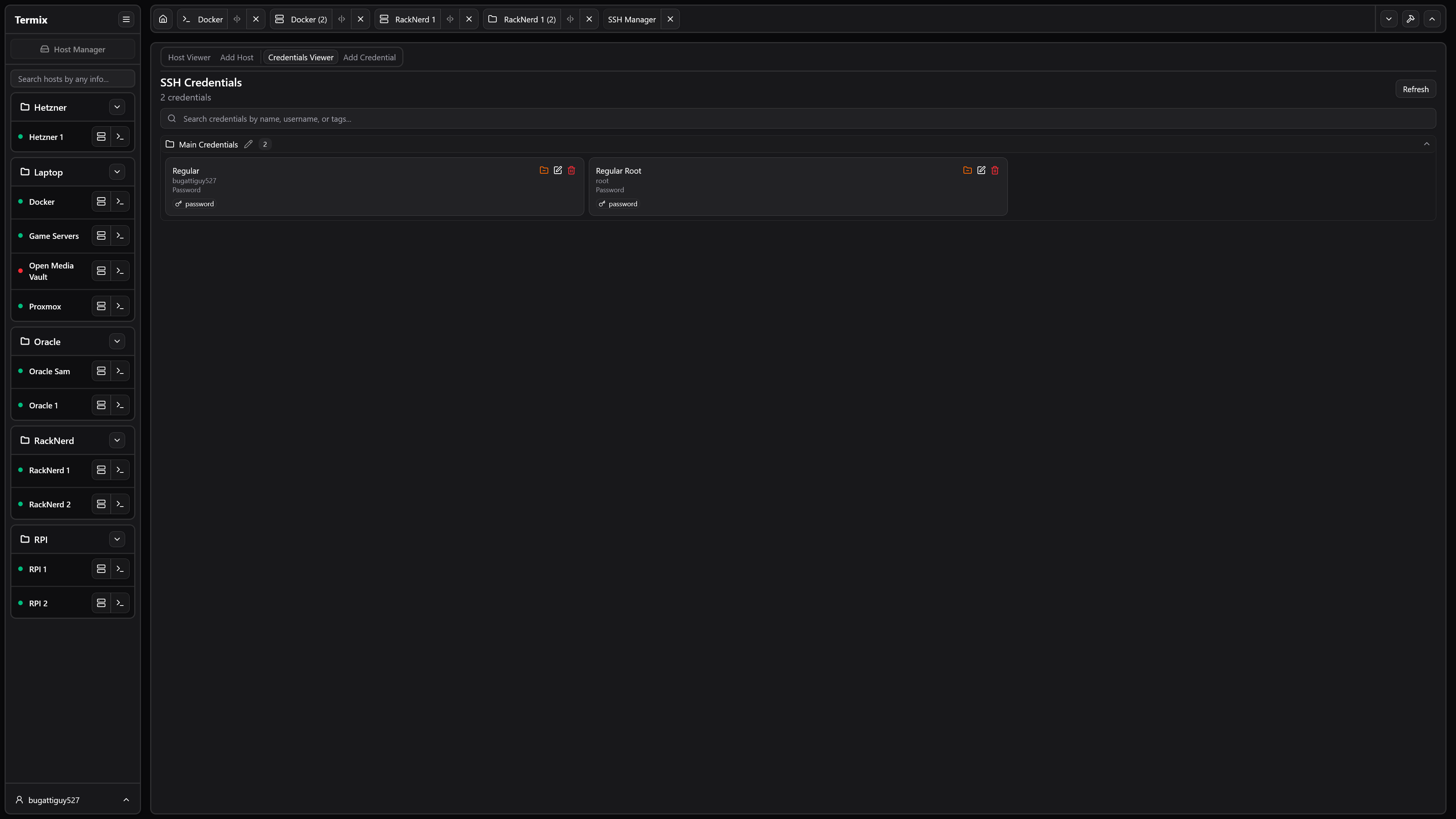
- **SSH Host Manager** - Save, organize, and manage your SSH connections with tags and folders, and easily save reusable login info while being able to automate the deployment of SSH keys
- **Server Stats** - View CPU, memory, and HDD usage on any SSH server
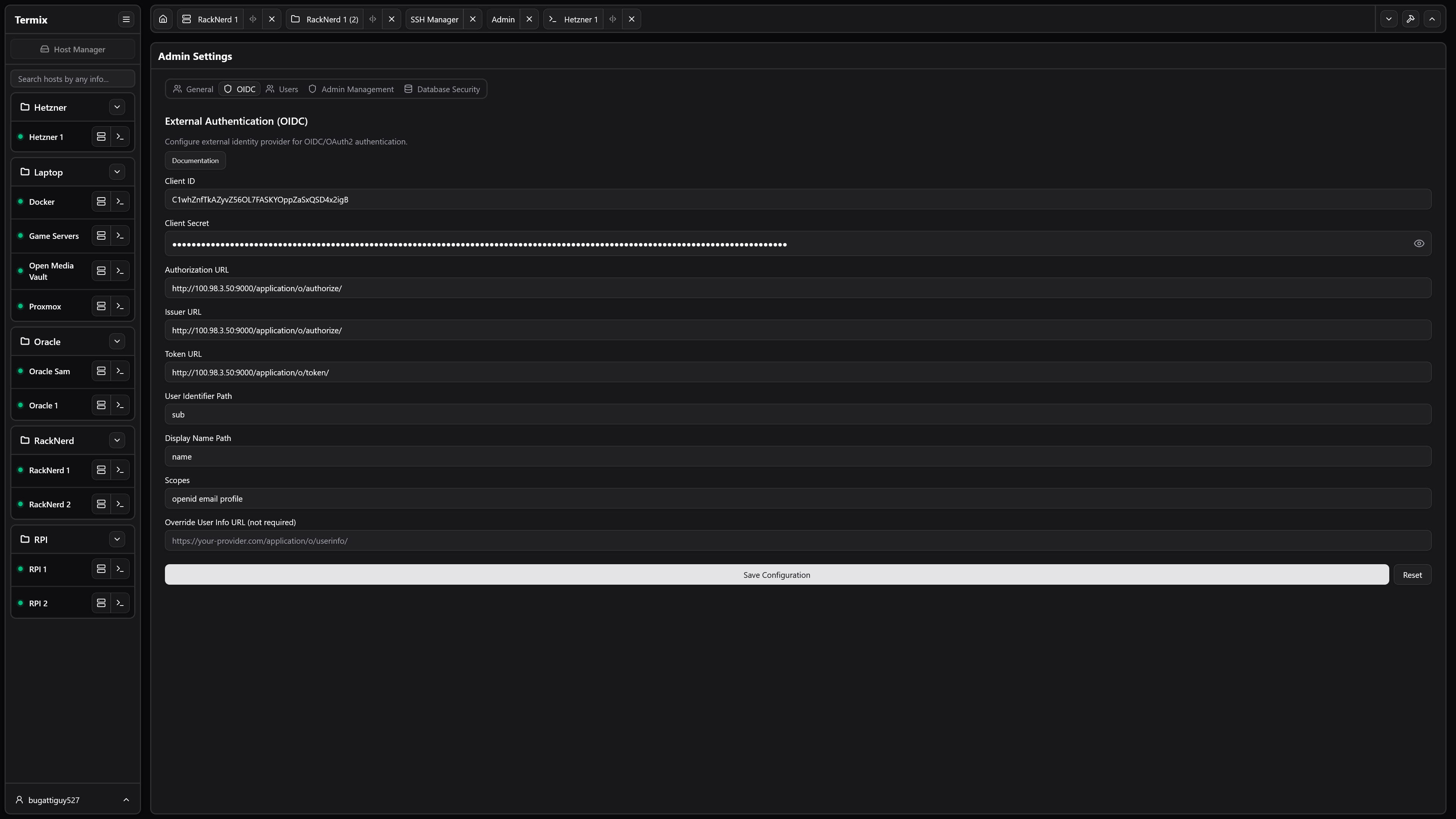
- **User Authentication** - Secure user management with admin controls and OIDC and 2FA (TOTP) support
- **Database Encryption** - SQLite database files encrypted at rest with automatic encryption/decryption
- **Data Export/Import** - Export and import SSH hosts, credentials, and file manager data with incremental sync
- **Automatic SSL Setup** - Built-in SSL certificate generation and management with HTTPS redirects
- **Modern UI** - Clean desktop/mobile-friendly interface built with React, Tailwind CSS, and Shadcn
- **Languages** - Built-in support for English and Chinese
- **Platform Support** - Available as a web app, desktop application (Windows & Linux), and dedicated mobile app for iOS and Android. macOS and iPadOS support is planned.
# Planned Features
See [Projects](https://github.com/users/LukeGus/projects/3) for all planned features. If you are looking to contribute, see [Contributing](https://github.com/LukeGus/Termix/blob/main/CONTRIBUTING.md).
# Installation
Supported Devices:
- Website (any modern browser like Google, Safari, and Firefox)
- Windows (app)
- Linux (app)
- iOS (app)
- Android (app)
- iPadOS and macOS are in progress
Visit the Termix [Docs](https://docs.termix.site/install) for more information on how to install Termix on all platforms. Otherwise, view
a sample Docker Compose file here:
```yaml
services:
termix:
image: ghcr.io/lukegus/termix:latest
container_name: termix
restart: unless-stopped
ports:
- "8080:8080"
volumes:
- termix-data:/app/data
environment:
PORT: "8080"
volumes:
termix-data:
driver: local
```
# Support
If you need help with Termix, you can join the [Discord](https://discord.gg/jVQGdvHDrf) server and visit the support
channel. You can also open an issue or open a pull request on the [GitHub](https://github.com/LukeGus/Termix/issues)
repo.
# Show-off
# License
Distributed under the Apache License Version 2.0. See LICENSE for more information.