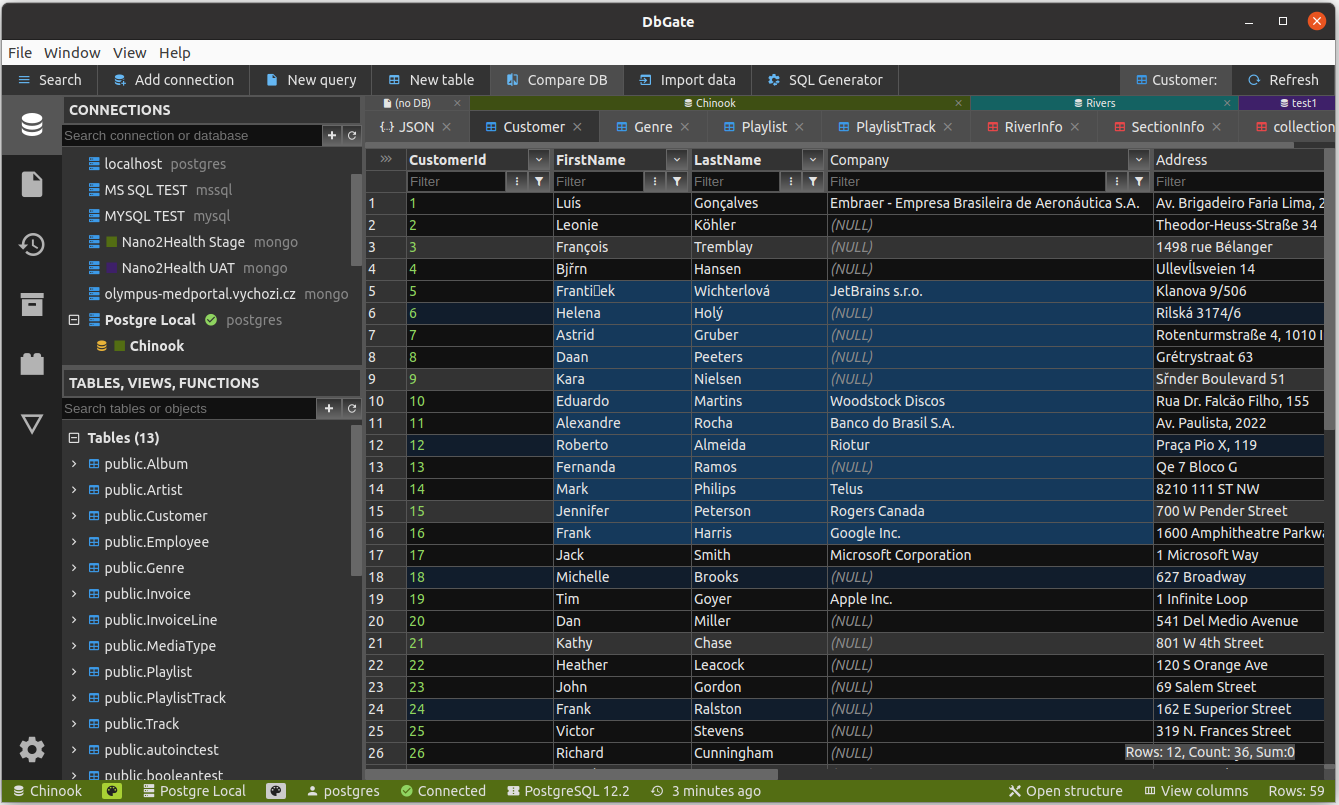
DbGate - database administration tool
DbGate is cross-platform database manager. It's designed to be simple to use and effective, when working with more databases simultaneously. But there are also many advanced features like schema compare, visual query designer, chart visualisation or batch export and import.
Supported databases
- MySQL
- PostgreSQL
- SQL Server
- Oracle
- MongoDB
- Redis
- SQLite
- Amazon Redshift (Premium)
- CockroachDB
- MariaDB
- CosmosDB (Premium)
- ClickHouse
Community vs Premium
This package has 2 variants:
- dbgate-serve - Community edition (free and open source)
- dbgate-serve-premium - Premium edition (commercial)
Install using npm - premium edition
npm install -g dbgate-serve-premium
DbGate is configure via environment variables. In this package, you could use .env files with configuration of DbGate. .env file is loaded in working directory.
.env file could look like following:
STORAGE_SERVER=localhost
STORAGE_USER=root
STORAGE_PASSWORD=mypassword
STORAGE_DATABASE=dbname
STORAGE_ENGINE=mysql@dbgate-plugin-mysql
You could find more about environment variable configuration on DbGate docs page.
After installing, you can run dbgate with command:
dbgate-serve-premium
Then open http://localhost:3000 in your browser
Install using npm - community edition
npm install -g dbgate-serve
After installing, you can run dbgate with command:
dbgate-serve
.env file could be used in the same way as in Premium edition, without STORAGE_xxx variables, which are specific for Premium. Then open http://localhost:3000 in your browser
Download electron app
You can also download binary packages from https://dbgate.org . Or run from source code, as described on github
Other dbgate packages
You can use some functionality of dbgate from your JavaScript code. See dbgate-api package.
Screenshot