
 ZacharyZcRandClaude
d1635c35f3
ZacharyZcRandClaude
d1635c35f3
Implement Issue #130 suggestion: Add dropdown menu in top tab bar to help
users quickly navigate between open hosts/tabs when many are open.

Features:
- Smart visibility: Only shows when multiple tabs are open
- Visual identification: Each tab type has corresponding icon (Home, Terminal, Server, etc.)
- Active tab indicator: Current tab highlighted with blue dot
- Quick switching: Click any tab to switch instantly
- Seamless integration: Positioned in top navbar without disrupting existing UI

New Components:
- src/components/ui/dropdown-menu.tsx: Radix UI based dropdown component
- src/ui/Desktop/Navigation/Tabs/TabDropdown.tsx: Tab navigation dropdown logic
- Updated TopNavbar.tsx with integrated dropdown

UI/UX Improvements:
- Consistent dark theme styling (#18181b background, #303032 borders)
- 30x30px button size matching existing toolbar buttons
- Right-aligned dropdown to avoid screen boundary issues
- Hover effects and smooth transitions
- Responsive design for different screen sizes

i18n Support:
- Added "tabNavigation" key in both English and Chinese translations
- Accessible tooltips and labels

Technical Implementation:
- Zero breaking changes: Pure incremental feature
- Reuses existing tab context and switching logic
- TypeScript safe with proper type definitions
- Performance optimized: Only renders when needed
- Follows existing code patterns and conventions

This enhancement significantly improves the user experience when managing
multiple host connections, providing quick access to any tab without scrolling.

🤖 Generated with [Claude Code](https://claude.ai/code)

Co-Authored-By: Claude <[email protected]>
Repo Stats
 English |
 中文
中文




Top Technologies





If you would like, you can support the project here!

Overview
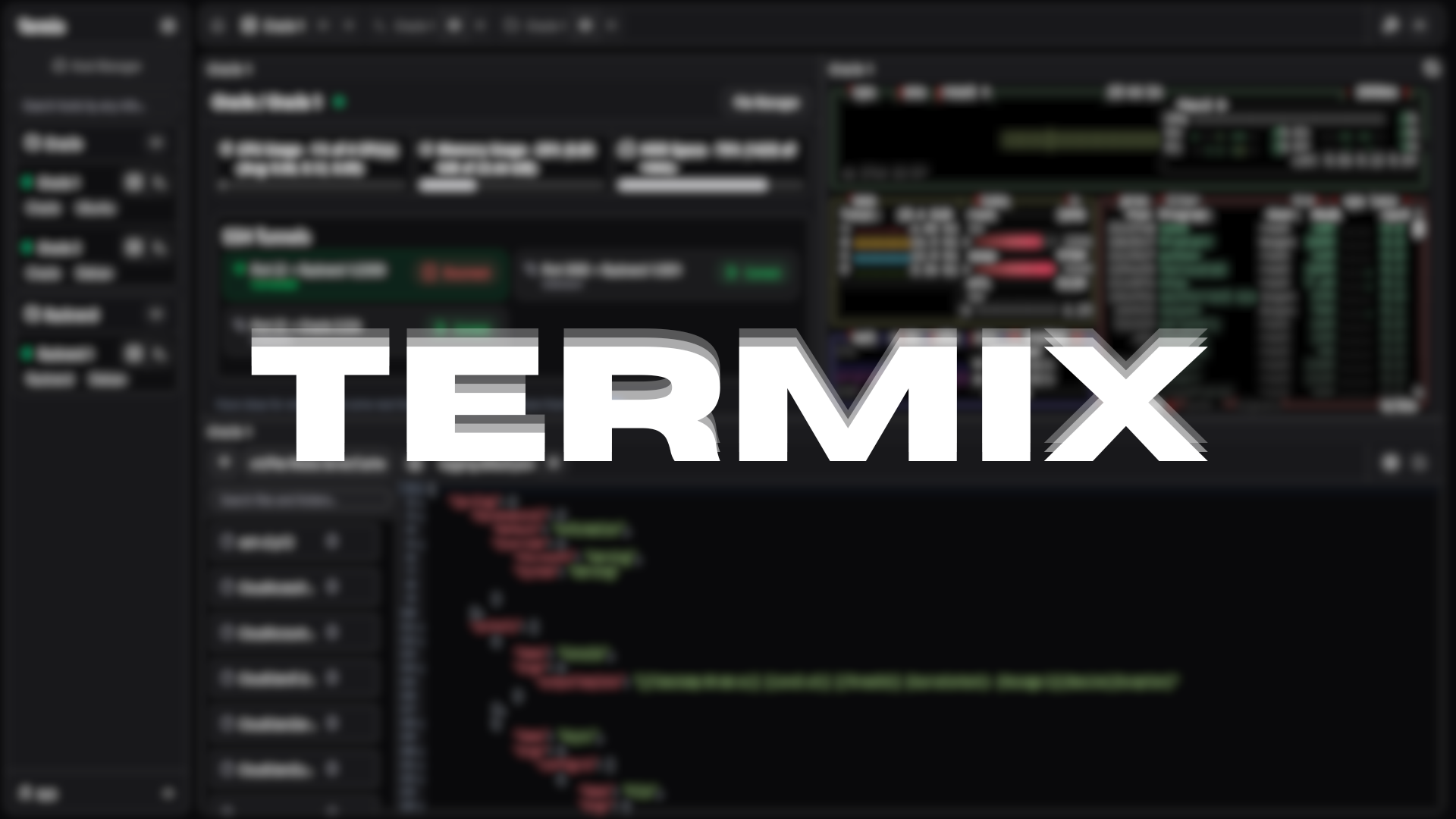
Termix is an open-source, forever-free, self-hosted all-in-one server management platform. It provides a web-based solution for managing your servers and infrastructure through a single, intuitive interface. Termix offers SSH terminal access, SSH tunneling capabilities, and remote file editing, with many more tools to come.
Features
- SSH Terminal Access - Full-featured terminal with split-screen support (up to 4 panels) and tab system
- SSH Tunnel Management - Create and manage SSH tunnels with automatic reconnection and health monitoring
- Remote File Editor - Edit files directly on remote servers with syntax highlighting, file management features (uploading, removing, renaming, deleting files)
- SSH Host Manager - Save, organize, and manage your SSH connections with tags and folders
- Server Stats - View CPU, memory, and HDD usage on any SSH server
- User Authentication - Secure user management with admin controls and OIDC and 2FA (TOTP) support
- Modern UI - Clean interface built with React, Tailwind CSS, and Shadcn
- Languages - Built-in support for English and Chinese
Planned Features
- Improved Admin Control - Give more fine-grained control over user and admin permissions, share hosts, etc
- Theming - Modify theming for all tools
- Improved Terminal Support - Add more terminal protocols such as VNC and RDP (anyone who has experience in integrating RDP into a web-application similar to Apache Guacamole, please contact me by creating an issue)
- Mobile Support - Support a mobile app or version of the Termix website to manage servers from your phone
Installation
Visit the Termix Docs for more information on how to install Termix. Otherwise, view a sample docker-compose file here:
services:
  termix:
    image: ghcr.io/lukegus/termix:latest
    container_name: termix
    restart: unless-stopped
    ports:
      - "8080:8080"
    volumes:
      - termix-data:/app/data
    environment:
      PORT: "8080"

volumes:
  termix-data:
    driver: local
Support
If you need help with Termix, you can join the Discord server and visit the support channel. You can also open an issue or open a pull request on the GitHub repo.
Show-off


License
Distributed under the Apache License Version 2.0. See LICENSE for more information.