
 ZacharyZcRandClaude
f3732c091a
ZacharyZcRandClaude
f3732c091a
Problem: Users had to rename folders on each host individually, which was
time-consuming and error-prone when managing multiple hosts in folders.

Solution: Complete folder management integration directly in Host Viewer with:

**Core Features:**
- Remove folder buttons: Hosts in folders show "X" buttons to move them to "no folder"
- Inline folder editing: Click folder names to edit directly (with pencil icon hint)
- Drag & drop: Drag host cards between folders with visual feedback
- Centralized renaming: Rename folders once, automatically updates all hosts

**UI/UX Enhancements:**
- Visual feedback: Drag states, hover effects, loading indicators
- Smart buttons: Only show remove buttons for hosts actually in folders
- Confirmation dialogs: Prevent accidental operations
- Real-time updates: Immediate UI refresh after operations
- Touch-friendly: Works well with drag & drop on different devices

**Technical Implementation:**
- HTML5 drag & drop API for cross-browser compatibility
- Integrated with existing Host Viewer without separate pages
- Reuses backend APIs for folder operations and host updates
- Comprehensive error handling and user feedback
- Event-driven updates for seamless state synchronization

**Backend Support:**
- Added folder statistics API: GET /ssh/db/folders/with-stats
- Added bulk rename API: PUT /ssh/db/folders/rename
- Fixed encryption key issue: Added CREDENTIAL_ENCRYPTION_KEY to .env

**Removed Components:**
- Eliminated separate "Folder Manager" tab for cleaner UX
- FolderManager.tsx kept for potential future use but not integrated

**Internationalization:**
- Complete English/Chinese support for all new features
- Contextual messages with dynamic content (host names, folder names)

This solution transforms folder management from a tedious multi-step process
into an intuitive, visual experience integrated directly into the main host
management workflow.

🤖 Generated with [Claude Code](https://claude.ai/code)

Co-Authored-By: Claude <[email protected]>
Repo Stats
 English |
 中文
中文




Top Technologies





If you would like, you can support the project here!

Overview
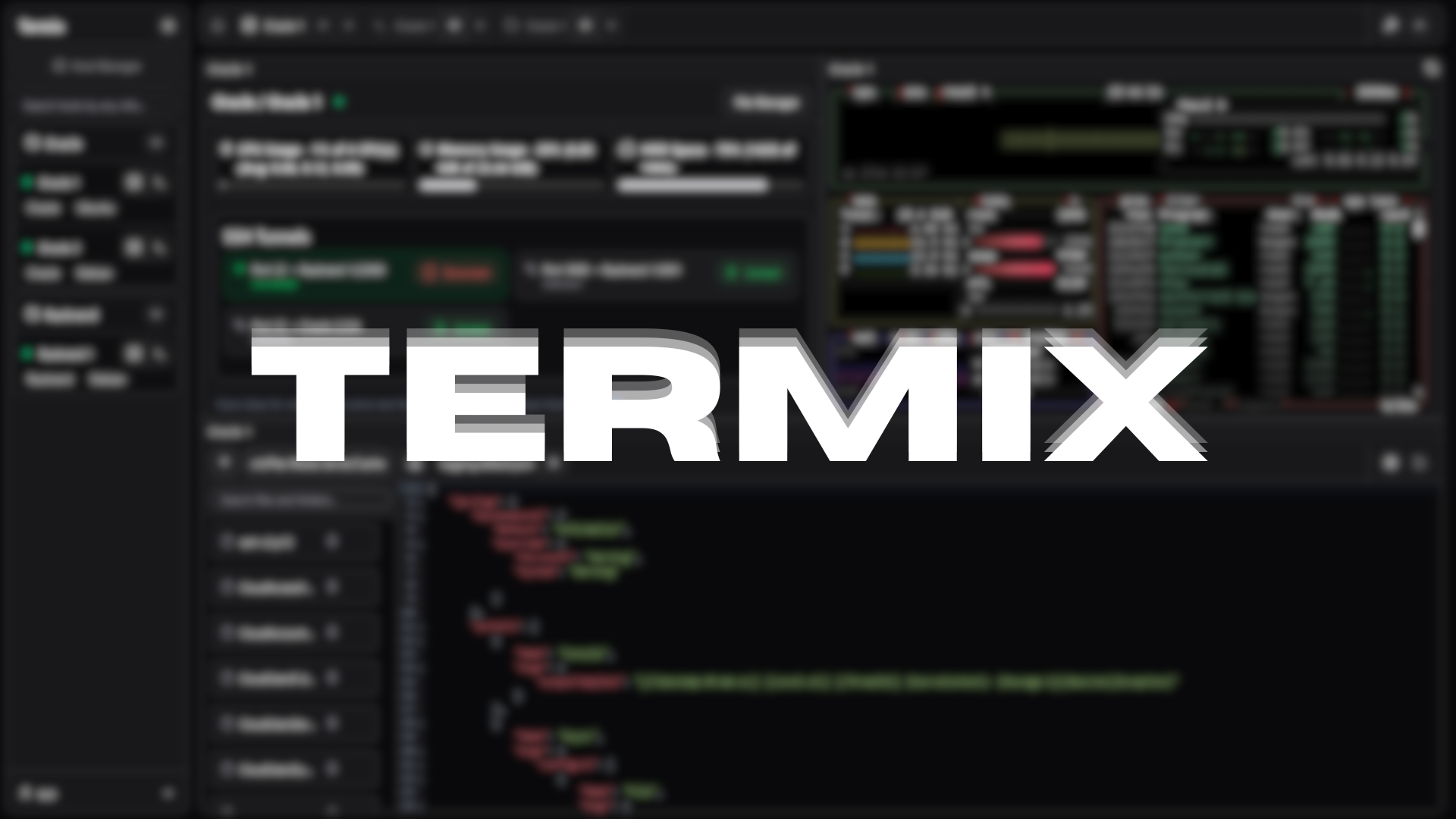
Termix is an open-source, forever-free, self-hosted all-in-one server management platform. It provides a web-based solution for managing your servers and infrastructure through a single, intuitive interface. Termix offers SSH terminal access, SSH tunneling capabilities, and remote file editing, with many more tools to come.
Features
- SSH Terminal Access - Full-featured terminal with split-screen support (up to 4 panels) and tab system
- SSH Tunnel Management - Create and manage SSH tunnels with automatic reconnection and health monitoring
- Remote File Editor - Edit files directly on remote servers with syntax highlighting, file management features (uploading, removing, renaming, deleting files)
- SSH Host Manager - Save, organize, and manage your SSH connections with tags and folders
- Server Stats - View CPU, memory, and HDD usage on any SSH server
- User Authentication - Secure user management with admin controls and OIDC and 2FA (TOTP) support
- Modern UI - Clean interface built with React, Tailwind CSS, and Shadcn
- Languages - Built-in support for English and Chinese
Planned Features
- Improved Admin Control - Give more fine-grained control over user and admin permissions, share hosts, etc
- Theming - Modify theming for all tools
- Improved Terminal Support - Add more terminal protocols such as VNC and RDP (anyone who has experience in integrating RDP into a web-application similar to Apache Guacamole, please contact me by creating an issue)
- Mobile Support - Support a mobile app or version of the Termix website to manage servers from your phone
Installation
Visit the Termix Docs for more information on how to install Termix. Otherwise, view a sample docker-compose file here:
services:
  termix:
    image: ghcr.io/lukegus/termix:latest
    container_name: termix
    restart: unless-stopped
    ports:
      - "8080:8080"
    volumes:
      - termix-data:/app/data
    environment:
      PORT: "8080"

volumes:
  termix-data:
    driver: local
Support
If you need help with Termix, you can join the Discord server and visit the support channel. You can also open an issue or open a pull request on the GitHub repo.
Show-off


License
Distributed under the Apache License Version 2.0. See LICENSE for more information.